So GDC 2026 just happened, and after years of not attending, seeing everyone showcasing their games, getting funded, and talking about their projects with so much enthusiasm inspired me to try game dev again.
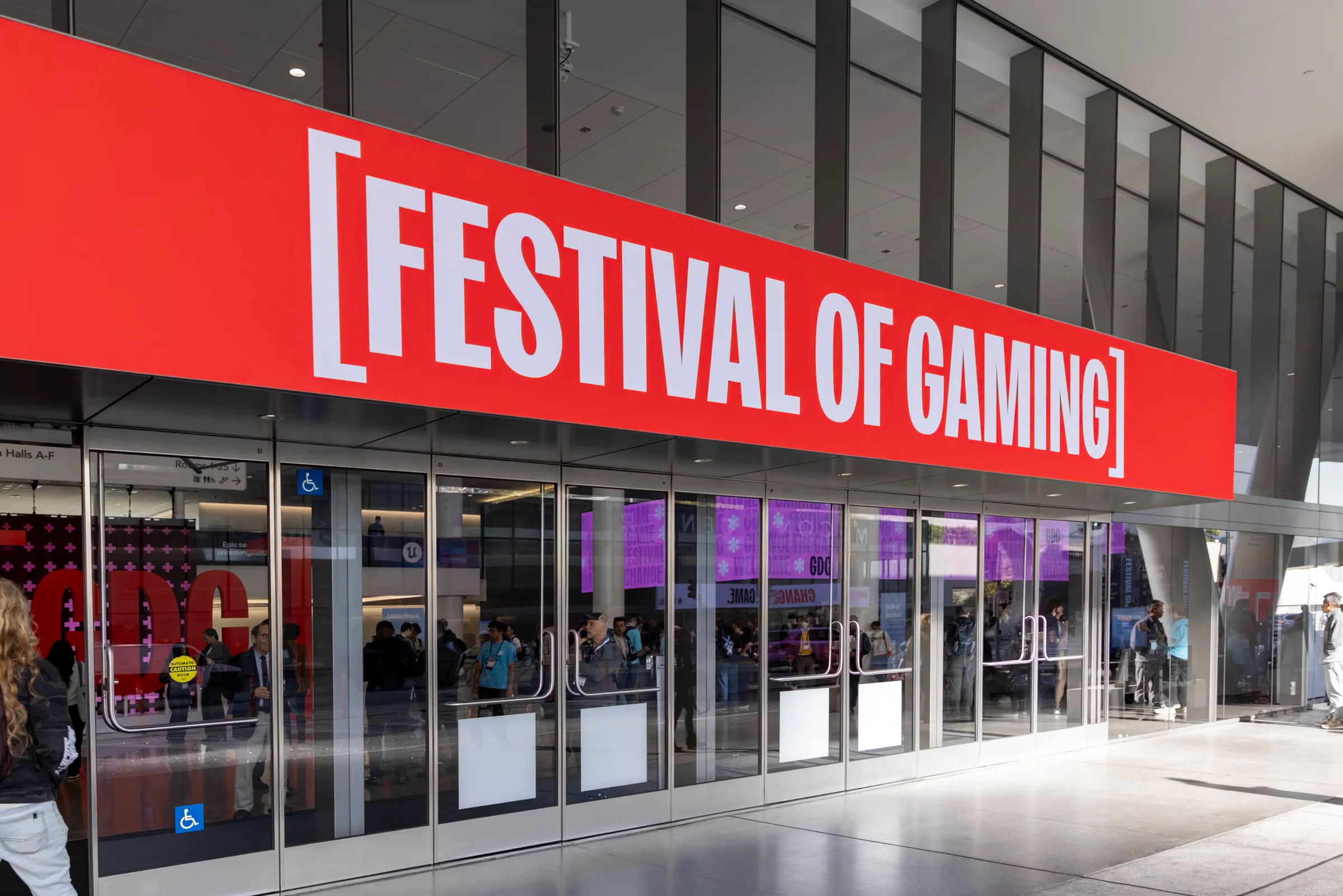


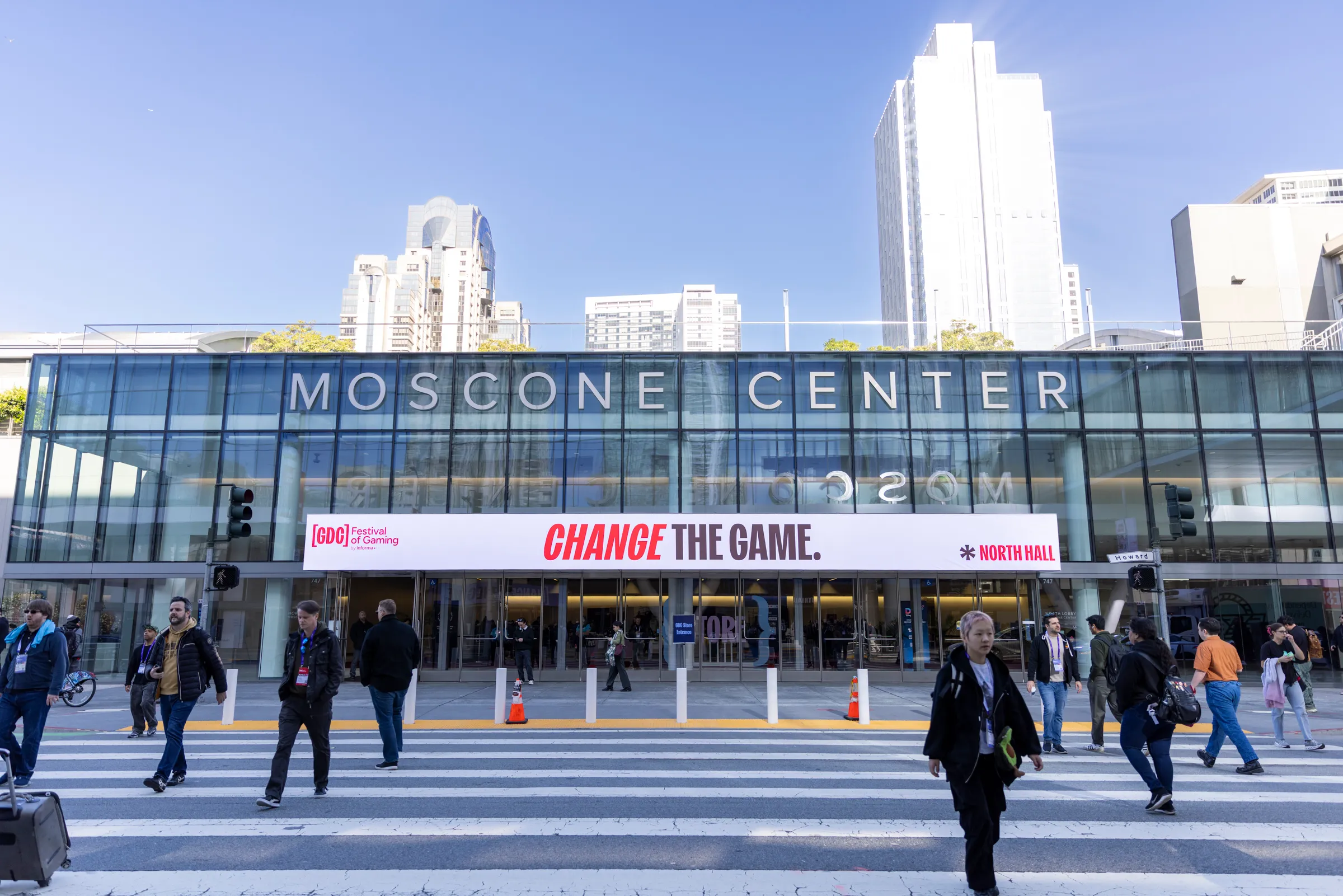
It has been years since I have been to a GDC; my last was GDC 2023. Since then, I have done too many things, like leading game dev workshops and then being the Vice President of the INIT FIU chapter, running ShellHacks with my amazing team (most of the work done by David, Ellie, and Juan) :’), graduating with my CS degree, and now working at Mediastream as a Software Engineer.
The Missing Years
During that time, I actually stopped game dev to focus and learn other stuff, like actual web dev. Starting with NodeJS (and then my beloved, Bun), learned how services actually work now, and experienced the fun of big monorepo structures vs modern microservices (both currently happening at my company). I got into CDNs, learned a lot of modern standards, and even attempted very basic AI with TensorFlow. Actually, I won a 1-day hackathon doing that and then implemented it at Mediastream. I also learned a lot about databases, and as a hobby, I started developing my own platform (secret project for now) using Bun and hosted it on my home server for fun (shoutout to Cloudflare Tunnels).
So yeah, in those couple of years outside game dev, a lot of things happened. I grew up. And so did the industry.
Unity doesn’t seem to be the absolute king engine for indie devs right now. After their short but well-remembered controversy, many indie devs switched to Godot, the absolute king of Open Source engines. But still, many stick with Unity, because let’s face it, it is still the easiest and most fun to use. Today, the perspective at GDC wasn’t like when I first went, where if you ask someone about their game, they either talked about Unreal Engine or Unity. Now, Godot is in the same conversation, or at least is on its way. That was fun to see :‘)
Setting Up the Foundation
I attempted today, Saturday, one day after GDC ended, to come back to Game Dev. So, I installed Unity 6.
Before even working on something, I wanted to do things right. So first, I went ahead and created my Game Design Document, for real this time.
One fun thing about GitHub is that you can create Wikis, so I created mine there. I started with the very basic story justification, but just that. My opinion on games is that, even though I love lore, games are about gameplay. If you really need a lot of lore to start and justify your game, at that point it becomes a movie. We can focus on that later, it even works as a fun future project to create a book or blogs about the lore, but I didn’t want to focus on that for now.
I added gameplay mechanics, structures that I wanted (like a tree of upgradable abilities), and as a SWE, references, guidelines to avoid bloatware imports, and most importantly: project and work structures.
What do I mean? After a year working at Mediastream, I learned A LOT of modern collaborative structures for GitHub, local workspaces, testing, and more to have the best practices. So I went ahead and made a very detailed work structure. If I ever get someone else to join, they would have the context on how to build their PRs, how to structure their commits, and of course more stuff they need to know. I left that inside the Wiki in the Game Design Document.
IDEs, Unity 6, and Agents
After that, I finally touched the new editor of Unity 6. But again, before starting out, I made sure to connect my current favorite IDE, Zed.
I will not explain why I like Zed so much lately, but as someone that has been using VS Code, Google’s Antigravity, and Cursor over the last 5 years (I also used NeoVim because of my friends at INIT, but never got fully into it, sorry), it is refreshing to have a fast editor that is not bloated with stuff I don’t need. Basically, I just need a built-in terminal for commodity, a text editor, and like every current dev, my flavor of AI. Currently, I am using Claude Code.
One very specific thing with game devs is that it is one of the few dev areas where programmers are reluctant to use AI to work with them. I was even like that, but after a long time, I think it is an amazing tool. It has been helping me ship stuff faster, mostly as a hobby (work-related has still been too slow for me as first I had to tackle personal technical debt).
I wanted Claude Code for my work. I found out in the Unity Documentation that there’s an MCP already (Unity MCP Overview) so I went ahead and installed that. I don’t plan to fully use the features of Unity’s AI; I believe with MCP and my own Claude subscription I will be better off, so I will only take that.
I felt I was ready for development, but I found something. Zed had issues opening files from Unity, at least in Mac. I searched around first to see if someone solved this issue so I wouldn’t reinvent the wheel, and found this repo: Maligan/unity-zed. Sadly it didn’t fix my issue, but it was a nice find that I also added to my project.
So I tackled the issue by creating a C# file that checks if I selected my editor as Zed, to open it correctly. This was my code (might not be final, I will update if it changes):
// Copyright (c) 2026 Luis Ahumada Martens. All rights reserved.
// San Francisco, California.
// Unauthorized copying of this file, via any medium, is strictly prohibited.
// Proprietary and confidential.

using UnityEditor;
using UnityEditor.Callbacks;
using System.Diagnostics;
using System.IO;

public static class OpenWithZed
{
    [OnOpenAsset(1)]
    public static bool OnOpenAsset(int instanceID, int line)
    {
        string editorPath = Unity.CodeEditor.CodeEditor.CurrentEditorInstallation;
        if (string.IsNullOrEmpty(editorPath) || !editorPath.ToLower().Contains("zed"))
            return false;

#pragma warning disable CS0618
        string assetPath = AssetDatabase.GetAssetPath(EditorUtility.InstanceIDToObject(instanceID));
#pragma warning restore CS0618

        if (string.IsNullOrEmpty(assetPath) || !assetPath.EndsWith(".cs"))
            return false;

        string projectDir = Path.GetFullPath(Path.Combine(UnityEngine.Application.dataPath, ".."));
        string fileArg = line > 0 ? $"{Path.GetFullPath(assetPath)}:{line}" : Path.GetFullPath(assetPath);

        ProcessStartInfo startInfo = new ProcessStartInfo { CreateNoWindow = true, UseShellExecute = false };

#if UNITY_EDITOR_WIN
        startInfo.FileName = "cmd.exe";
        startInfo.Arguments = $"/c zed \"{projectDir}\" \"{fileArg}\"";
#elif UNITY_EDITOR_OSX
        string macCli = editorPath.EndsWith(".app") ? $"{editorPath}/Contents/MacOS/cli" : editorPath;
        if (File.Exists(macCli)) {
            startInfo.FileName = macCli;
            startInfo.Arguments = $"\"{projectDir}\" \"{fileArg}\"";
        } else {
            startInfo.FileName = "/bin/zsh";
            startInfo.Arguments = $"-l -c \"zed \\\"{projectDir}\\\" \\\"{fileArg}\\\"\"";
        }
#else
        startInfo.FileName = "/bin/bash";
        startInfo.Arguments = $"-l -c \"zed \\\"{projectDir}\\\" \\\"{fileArg}\\\"\"";
#endif

        try { Process.Start(startInfo); return true; }
        catch { return false; }
    }
}
Finally, I know I haven’t talked about my game yet, or even GDC that much, but I found that as a SWE, it was more interesting to start this new journey talking about my tools and environment first.
I hope you like this format, whoever reads this. I plan to continue doing this, as I think most of the stuff I talk about in my circle could be interesting to more people.